3pNorth
A compass with true north. Your heading and coordinates, quick to read.
For iPhone and iPad

GPS speedometer · iPhone and iPad
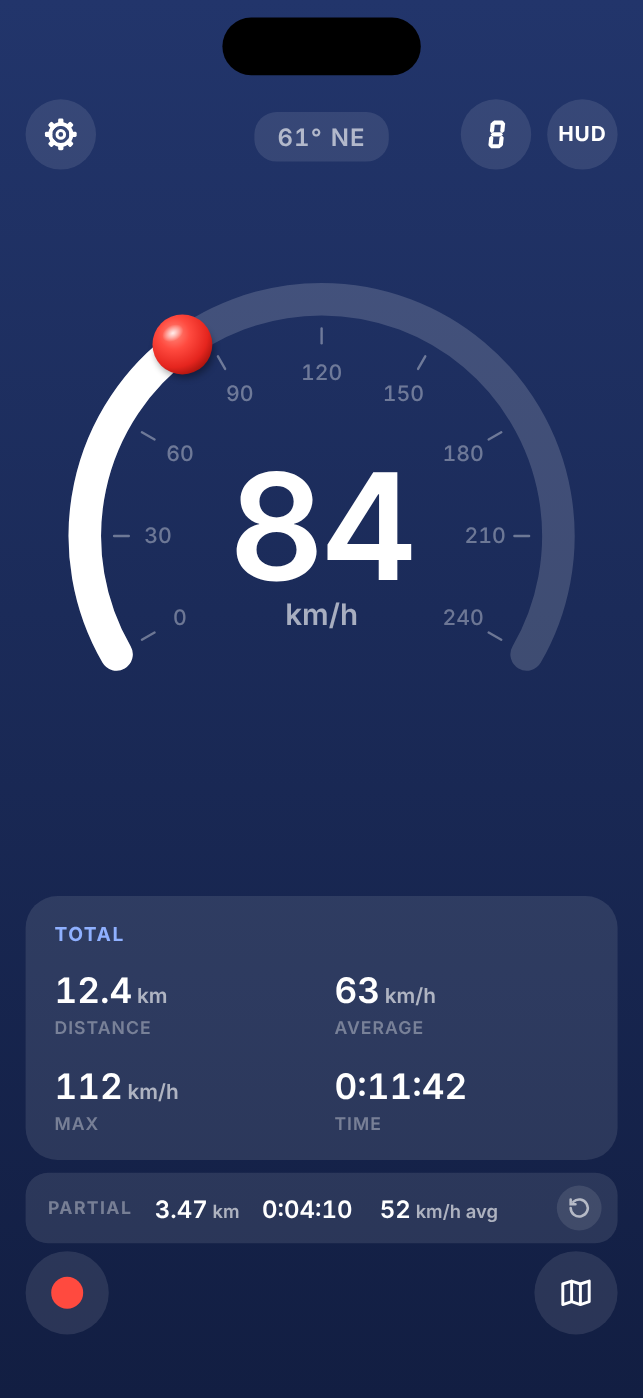
3pSpeed shows how fast you are going, big and clear, on a dial or as plain numbers. It warns you over the limit and records your trip if you want it to.
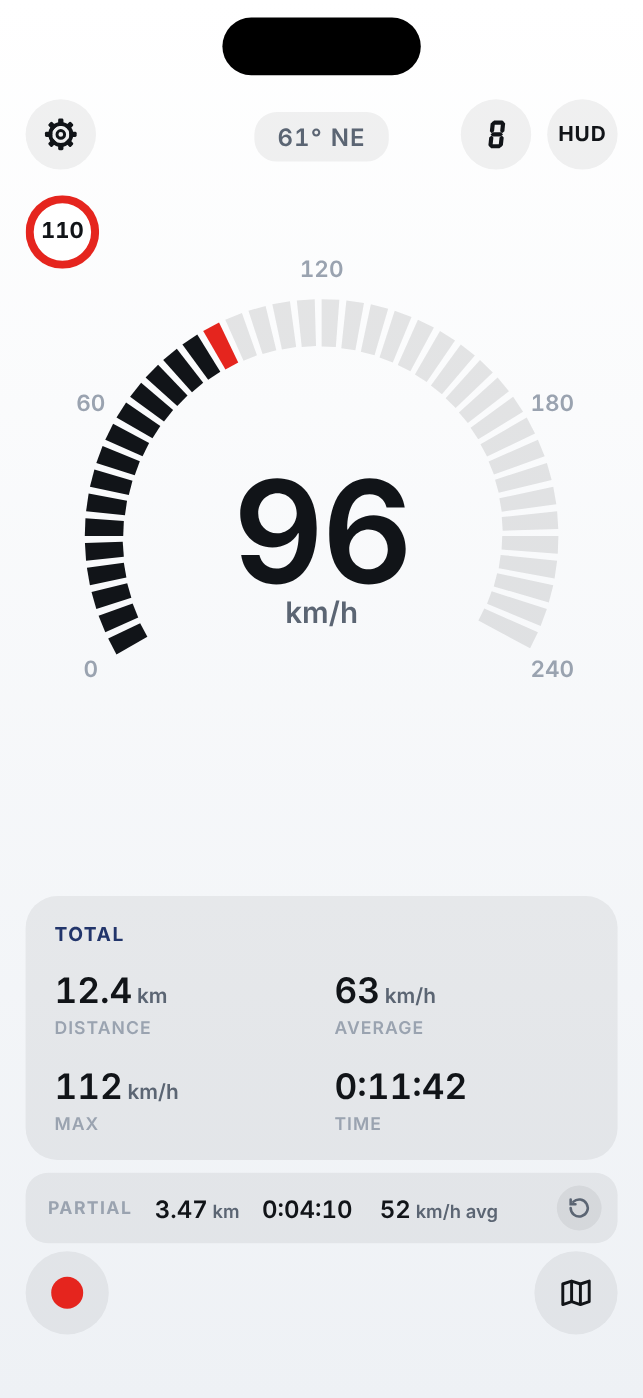
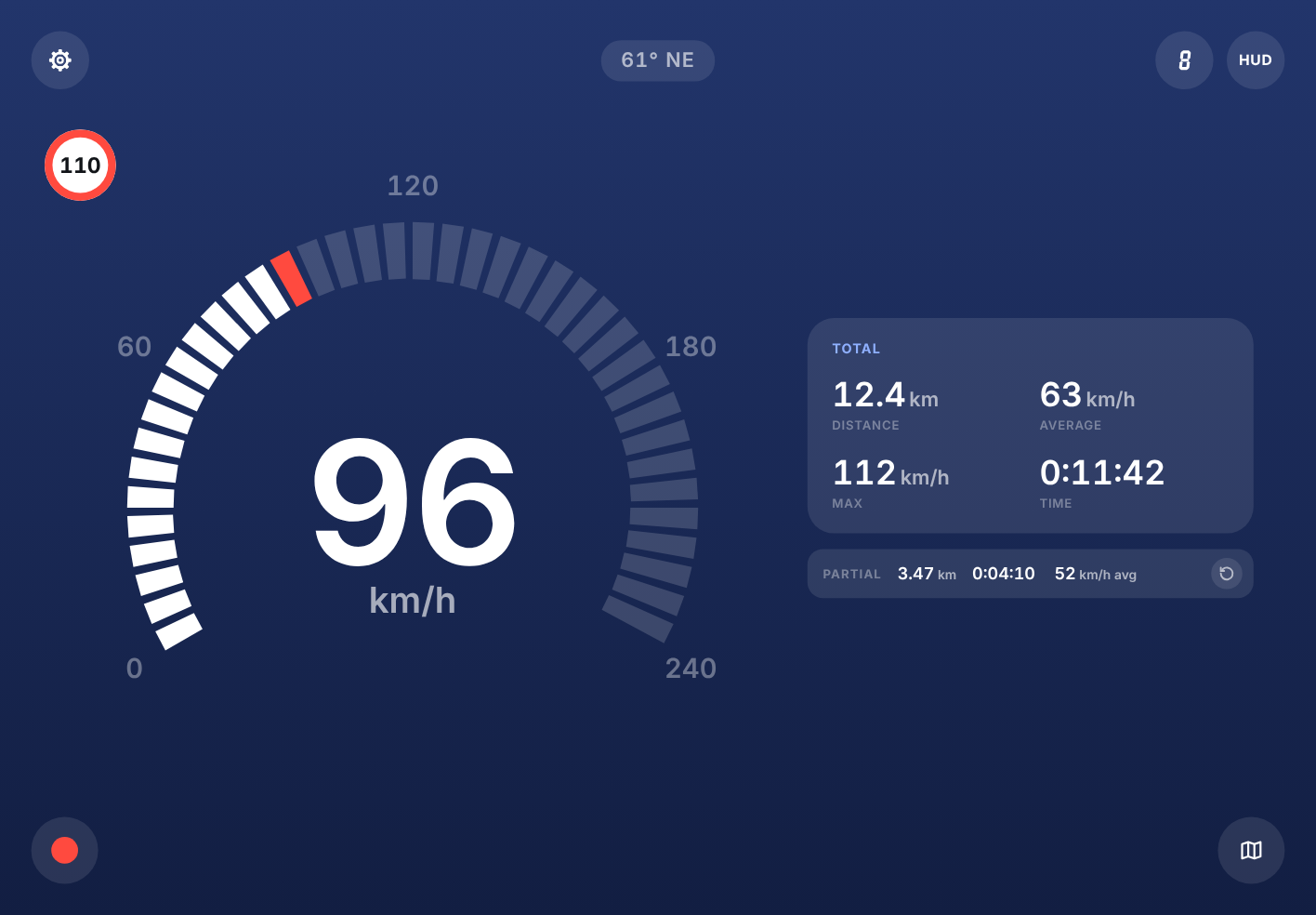
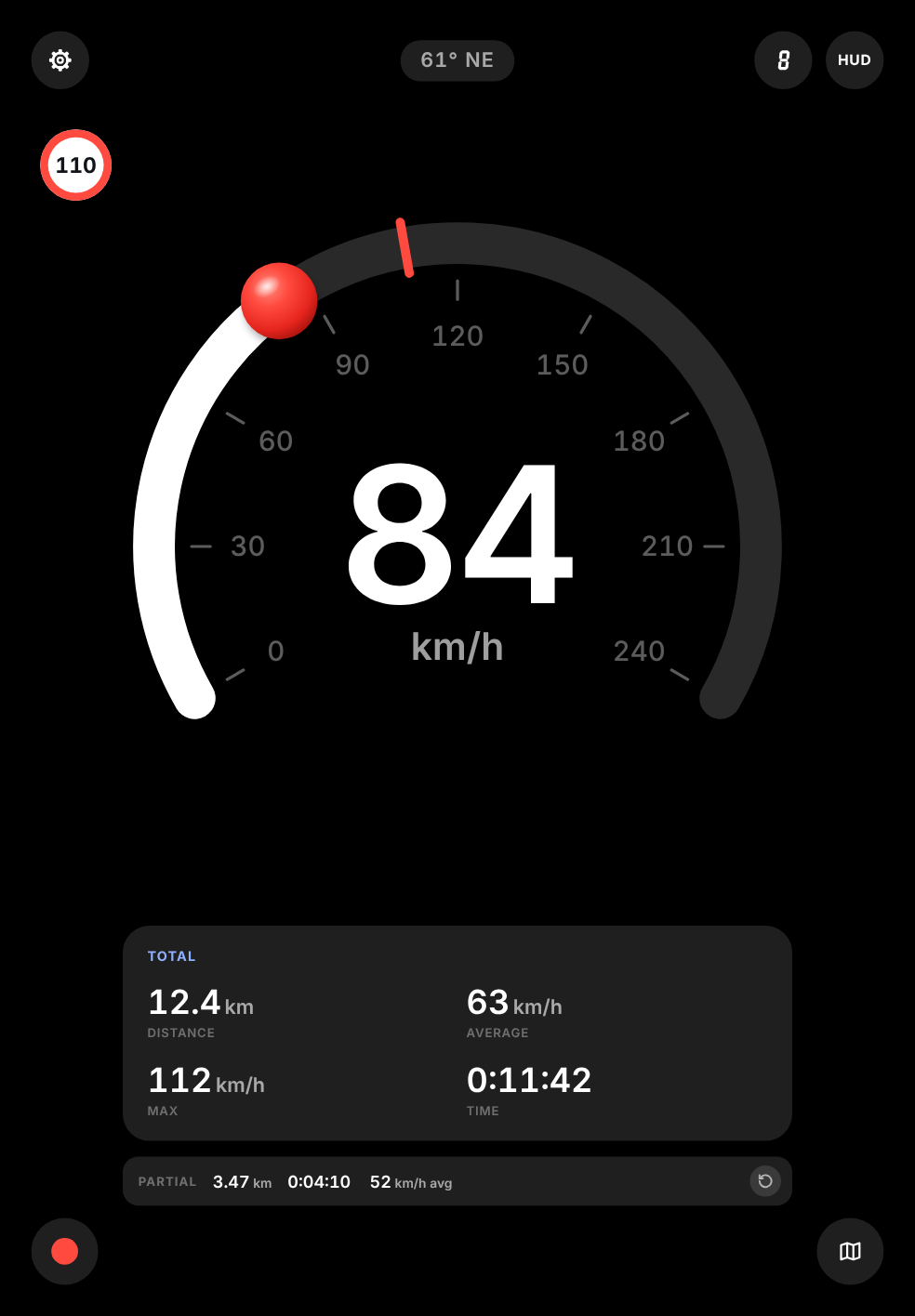
Set up to four speed limits and tap the sign on the screen to switch between them. Go over and the number turns red, and a voice tells you. It says it again every 30 seconds while you stay over, and never nags once you slow down.
3pSpeed works the moment you open it. Tap record when you want to keep the trip: distance, time, average and max, saved with the route on the map.
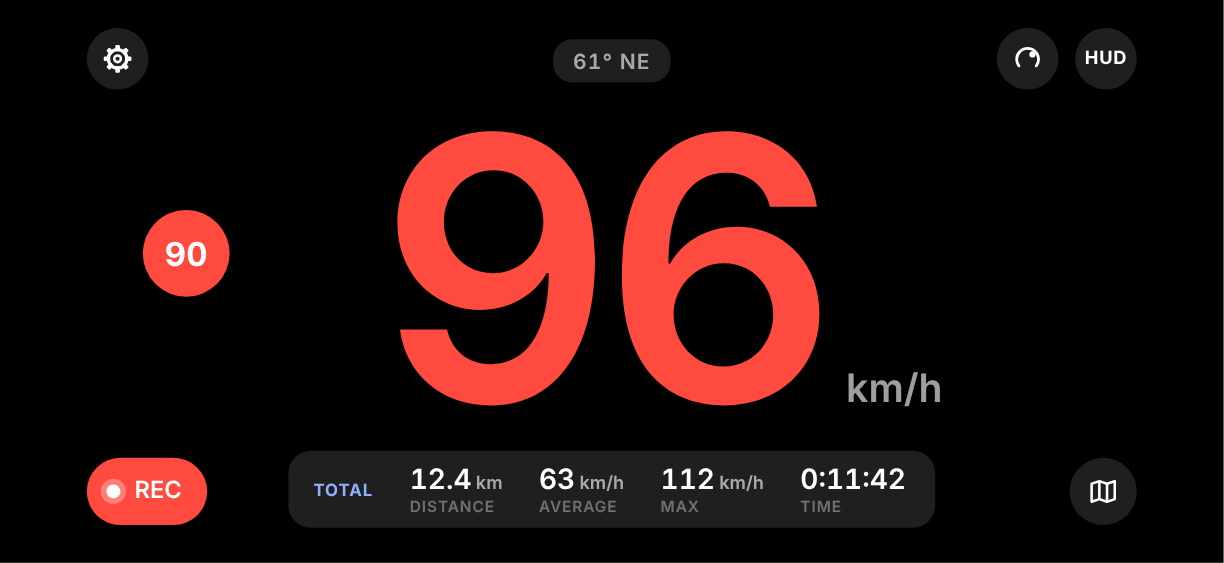
Turn your iPhone for a wide view made for a dashboard mount. At night, put it flat under the windshield and switch on HUD: the speed is mirrored, so you read it in the glass without looking down.
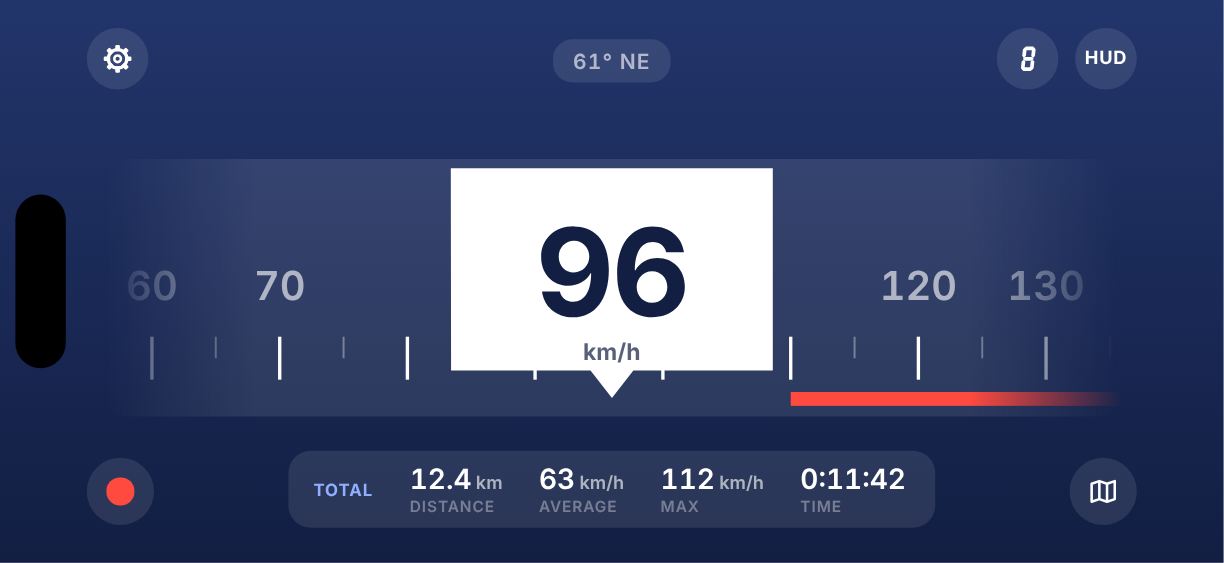
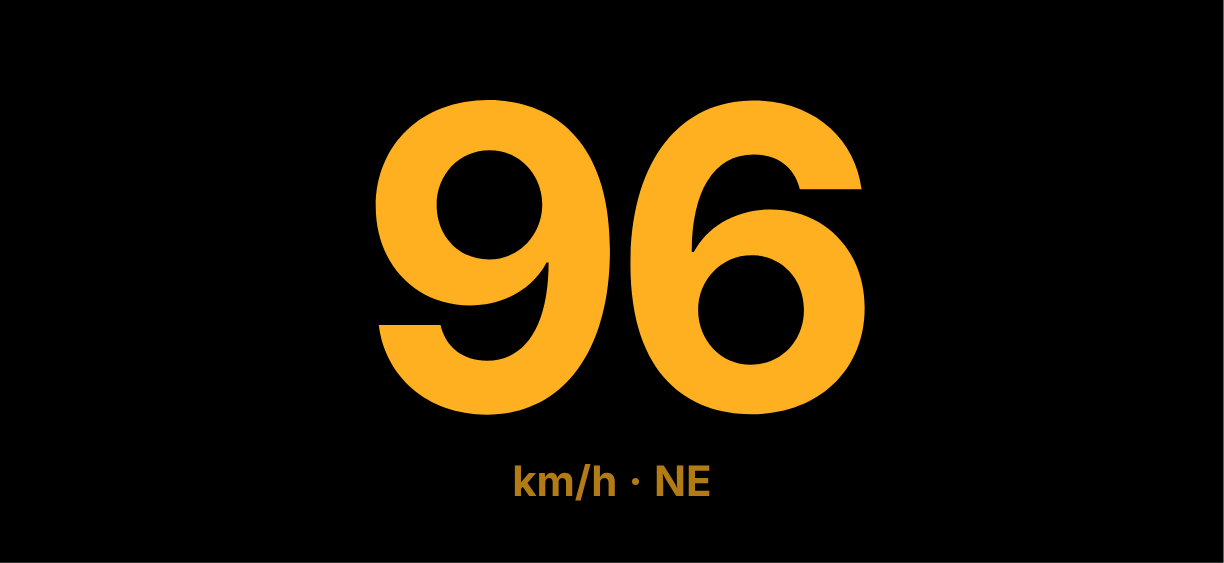
Every face, the limit sign, Total and Partial, recording and HUD, laid out for the bigger screen. Landscape puts the face on one side and your trip on the other. Portrait stacks them.
Yes. 3pSpeed was on the App Store from 2014 to 2020. Version 3.0 is the same app, rebuilt for today's iPhone and iPad. If you bought it before, download it again from your purchases at no cost.
Car speedometers are allowed to read a little high, never low, so most cars show a few km/h more than you are really doing. 3pSpeed measures your speed with GPS, so it is usually the more honest of the two.
Yes. Speed, distance and trips only need GPS. The map needs a connection to show new areas.
Yes. Start a trip, lock your phone, and it keeps counting. Using GPS for a long time uses more battery, so a charger in the car helps on long drives.
Yes, on iPad with GPS (the cellular models), with a layout made for the big screen.
No. You pay once. No account, no ads, no in-app purchases.
3pSpeed is made in Sardinia by Stooj, the small team behind a few tools for the road and the trail.
A compass with true north. Your heading and coordinates, quick to read.
For iPhone and iPad

The off-road inclinometer. Roll and pitch on a 3D vehicle, with limit alerts.
For iPhone

The off-road tripmaster. Precise distance and roadbook support.
For iPhone, and Pro for iPhone and iPad

The rally computer. Regularity, roadbook navigation and open-road timing.
Free to try, for iPhone and iPad